


Instructions for setting up the RC300S G6
Restore using a configuration backup
UTM-Firewall RC300S G6
Restoring a configuration backup after resetting to factory settings or on new hardware.
Product information
| User (max.): | 100 |
| LAN ports: | 10x 2,5 GBit/s (RJ45) |
| WiFi/ WLAN: | without |
| Connections: | HDMI, 2x USB 3.0 |
| Hard disk: | SSD |
| Form factor: | 19"-Rack |
| Power supply: | intern |
| Power consumption(max.): | ~360 Watt |
| Temperature ranges: | 0°C - 40°C (Operation)/ -20°C - 60°C (Storage) |
| Humidity: | 10% ~ 80%, non-condensing |
| Firewall throughput: | 22 GBit/s |
| VPN throughput: | 2,5 GBit/s |
| TLS- interception: | 0.000 MBit/s (Value to follow) |
| AES hardware acceleration: | yes (Intel) |
Installation, commissioning and more
To ensure the reliable operation of our hardware throughout its expected lifespan, it must be operated within its specifications.
The maximum operating ambient temperature is 40°C, whilst the minimum operating temperature is 0°C. The relative humidity must be between 10% and 80% and must not result in condensation.
When installing the firewall, ensure that it is mounted or positioned as follows:
- The device must be freestanding wherever possible
- Ensure an adequate supply of cool air
- Do not cover the device
When installing the device in a network cabinet, pay particular attention to the following:
- Ventilate the cabinet
- Do not place the device below or above heat-emitting equipment
Heat must not be allowed to build up
Why not make use of our cloud-based solution for centralised management:
Optional accessories for your product
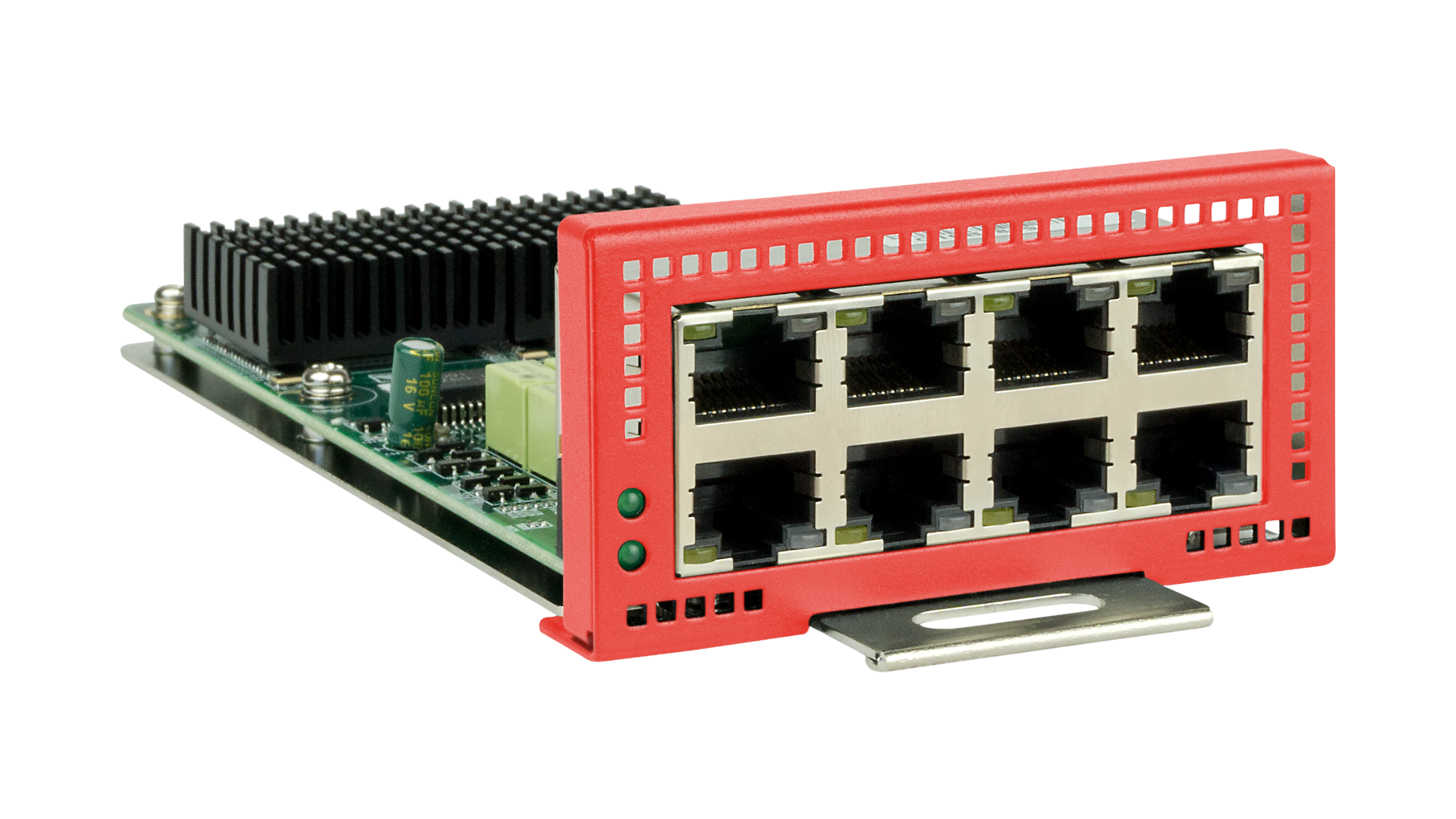
LAN expansion card
LAN expansion card with 8 x 2.5 Gbit/s (RJ-45)
SFP+ expansion card (ports 10/11)
SFP+ expansion card with 2x 10 Gbit/s SFP+ ports for ports 10 and 11.
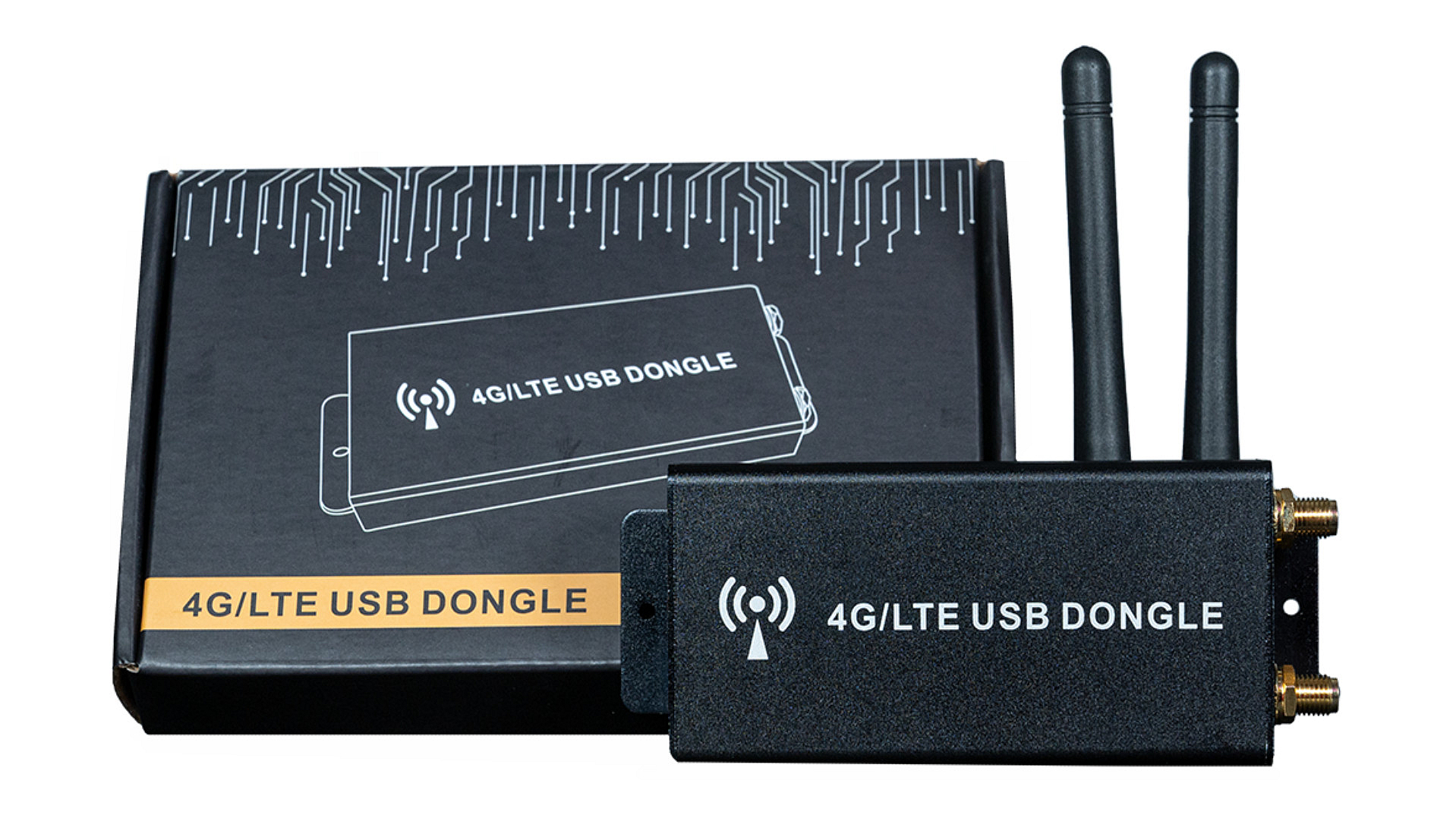
4G/ LTE kit
4G/LTE modem in a USB casing (including two antennas)
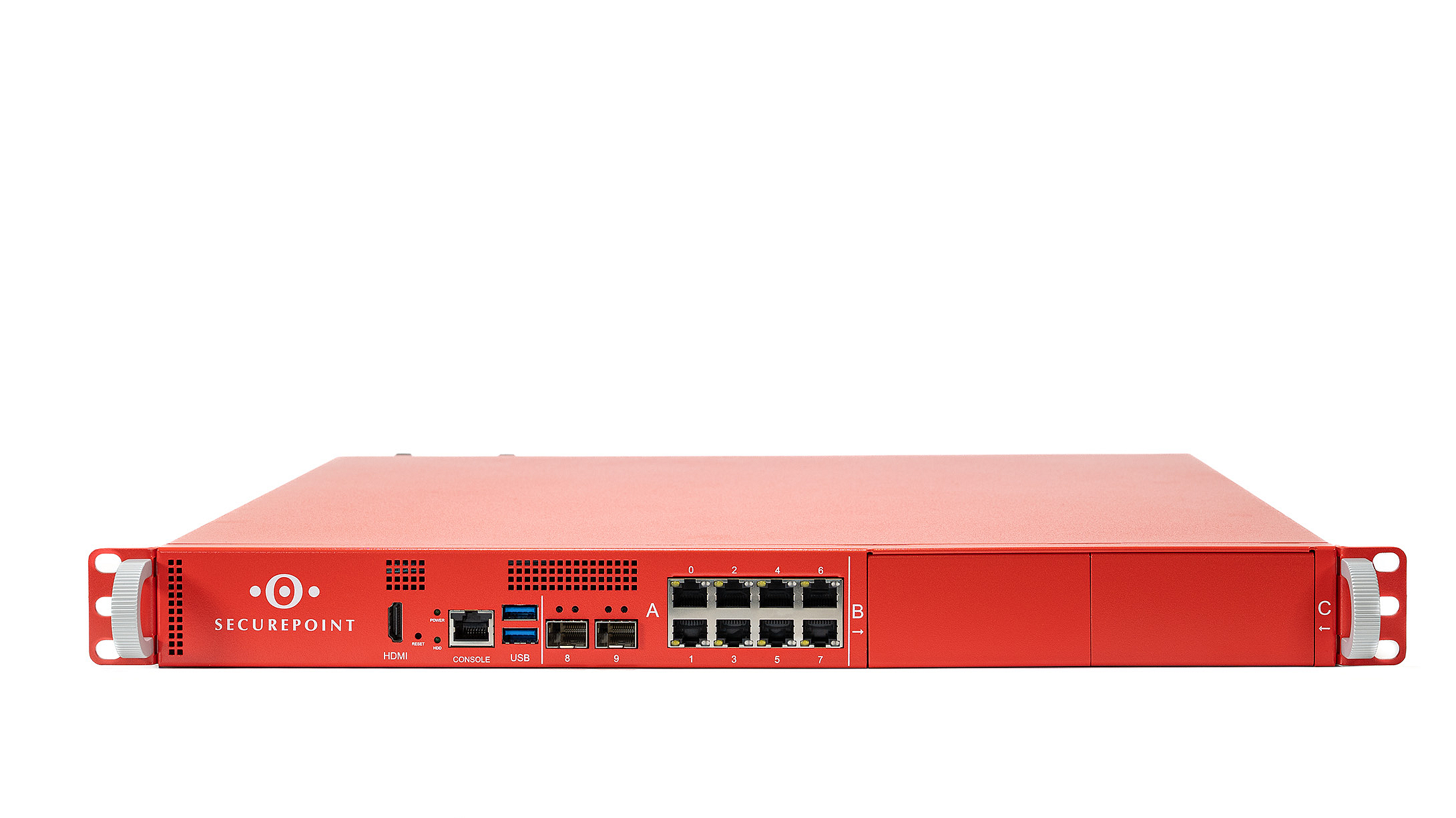
Our “Securepoint RC350R G6” upgrade model
An upgraded version of your product is available, supporting more users and offering enhanced firewall performance.

Securepoint Managed Service
No leasing, no finance – simply hire the Securepoint NextGen UTM firewall and create your own service.